
Free · No sign-up · No watermark
Image to Image AI
Guide a visual change with words while keeping your source photo as the reference.
Before and after examples
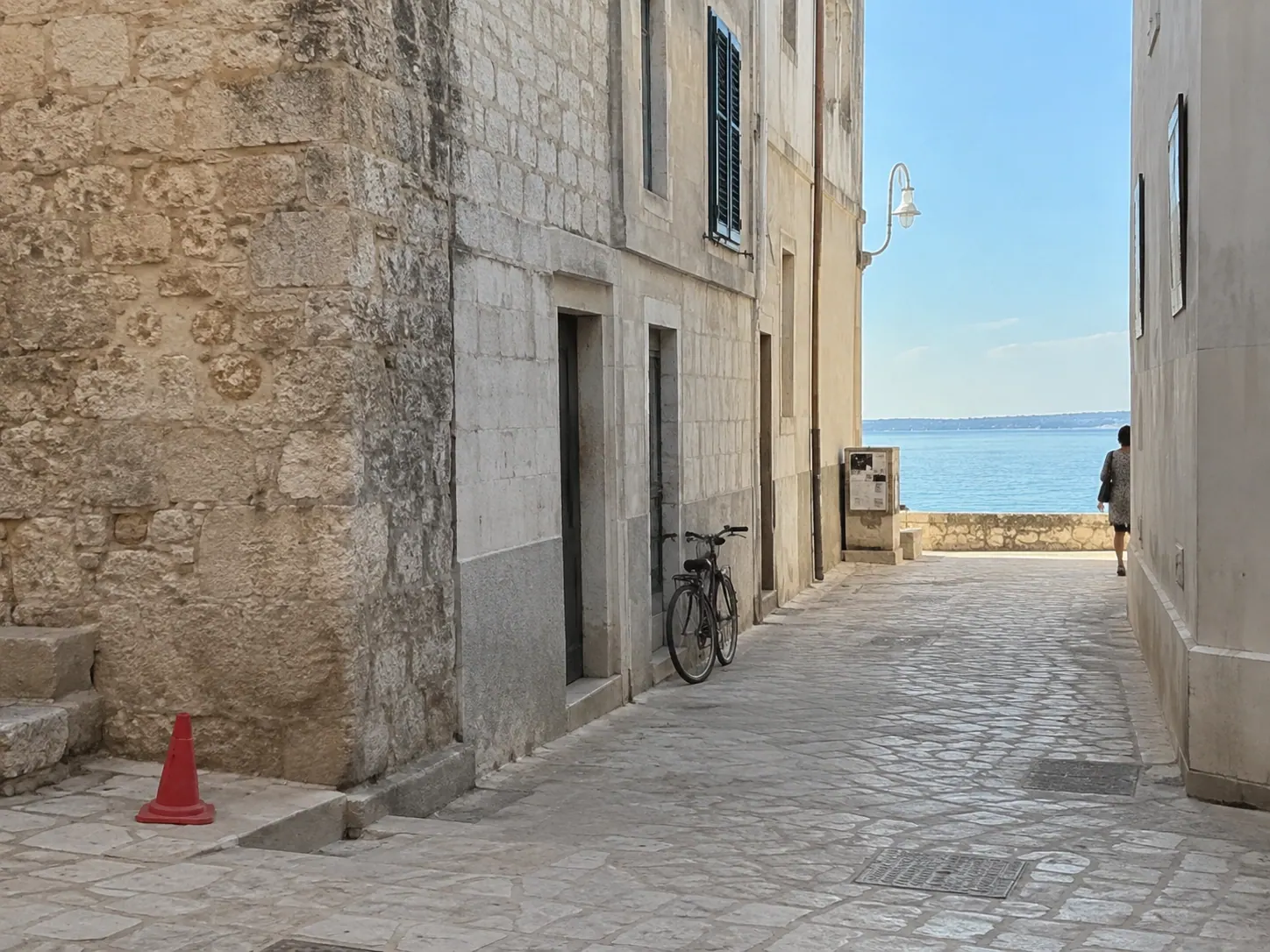 Before
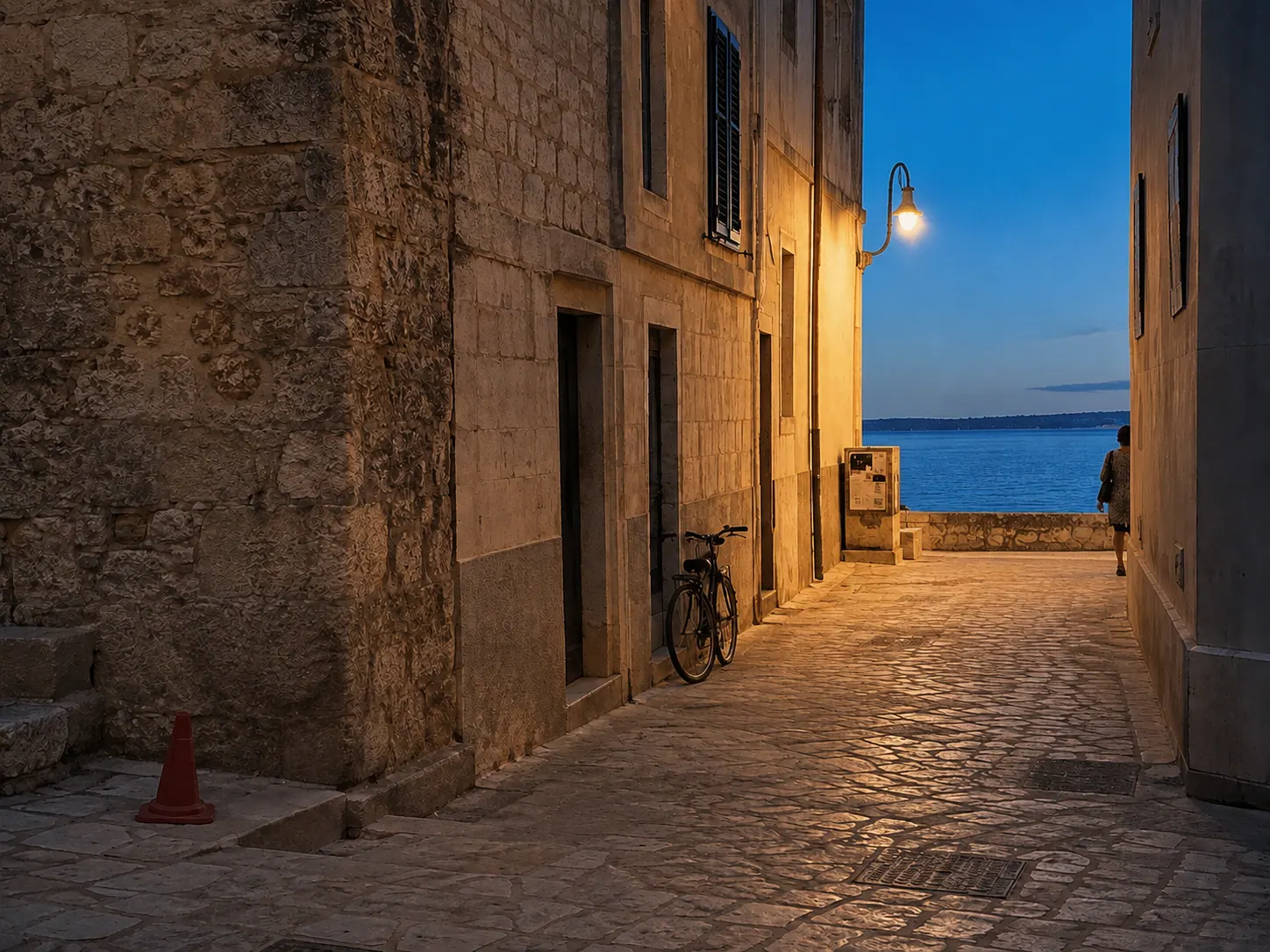 After
AfterHow it works
- 1Upload PNG, JPEG, or WebP images up to 24 MB each.
- 2Review the visible default prompt and edit it for your image.
- 3Generate, then download the result from the same workspace.
Best for, and limits to know
- Keep the prompt specific about what should change and what must stay recognizable.
- Complex text, logos, and exact brand marks may not reproduce reliably.
Keep editing
Image to Image AI FAQ
Continue when you need more edits.
Start with free Credits. Monthly and annual subscriptions or a one-time pack are available when you need more generations.
View pricing