
Available with credits · No watermark
AI Image Expander
Create a wider or taller composition without treating your source image as disposable.
Before and after examples
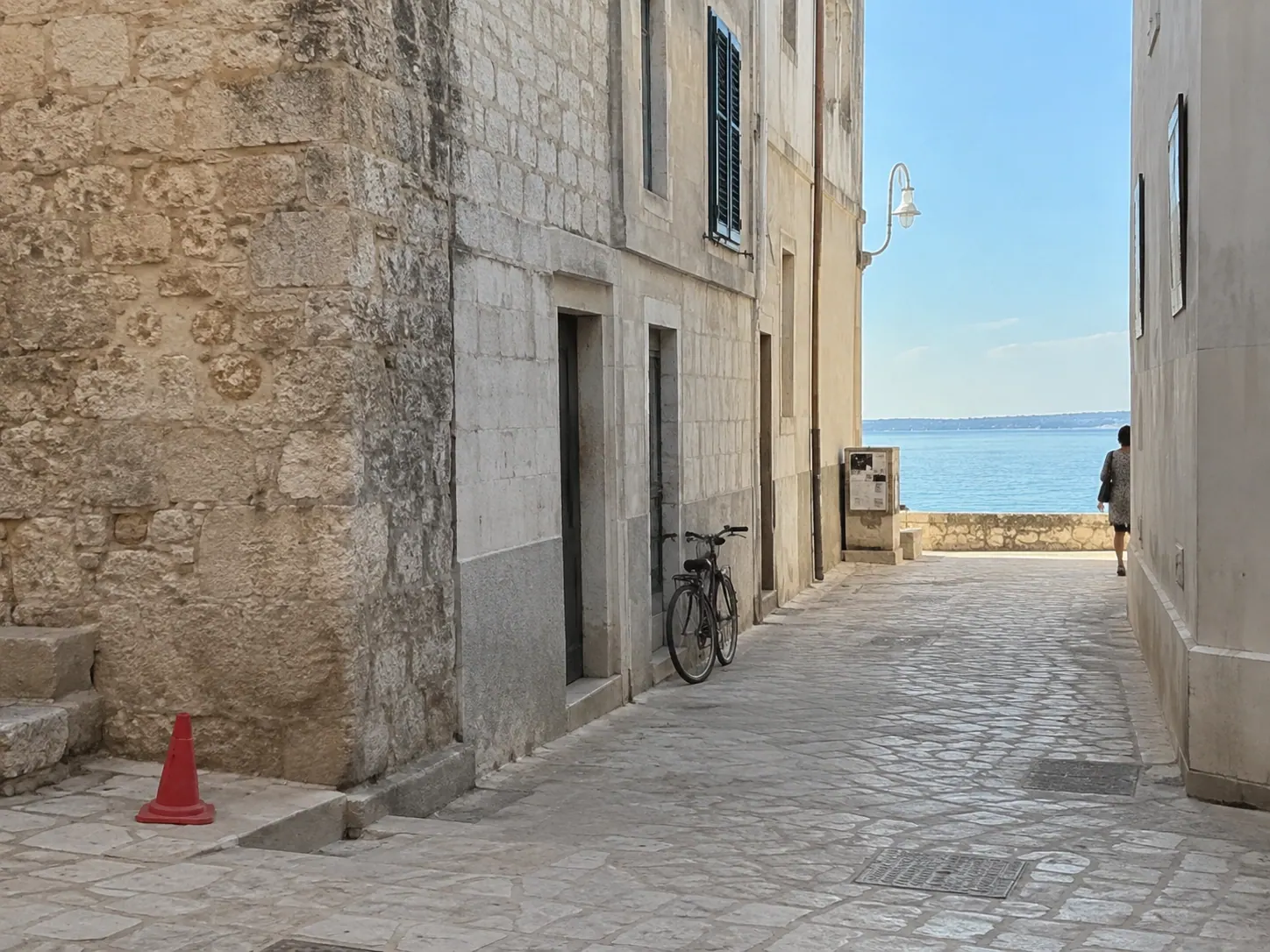 Before
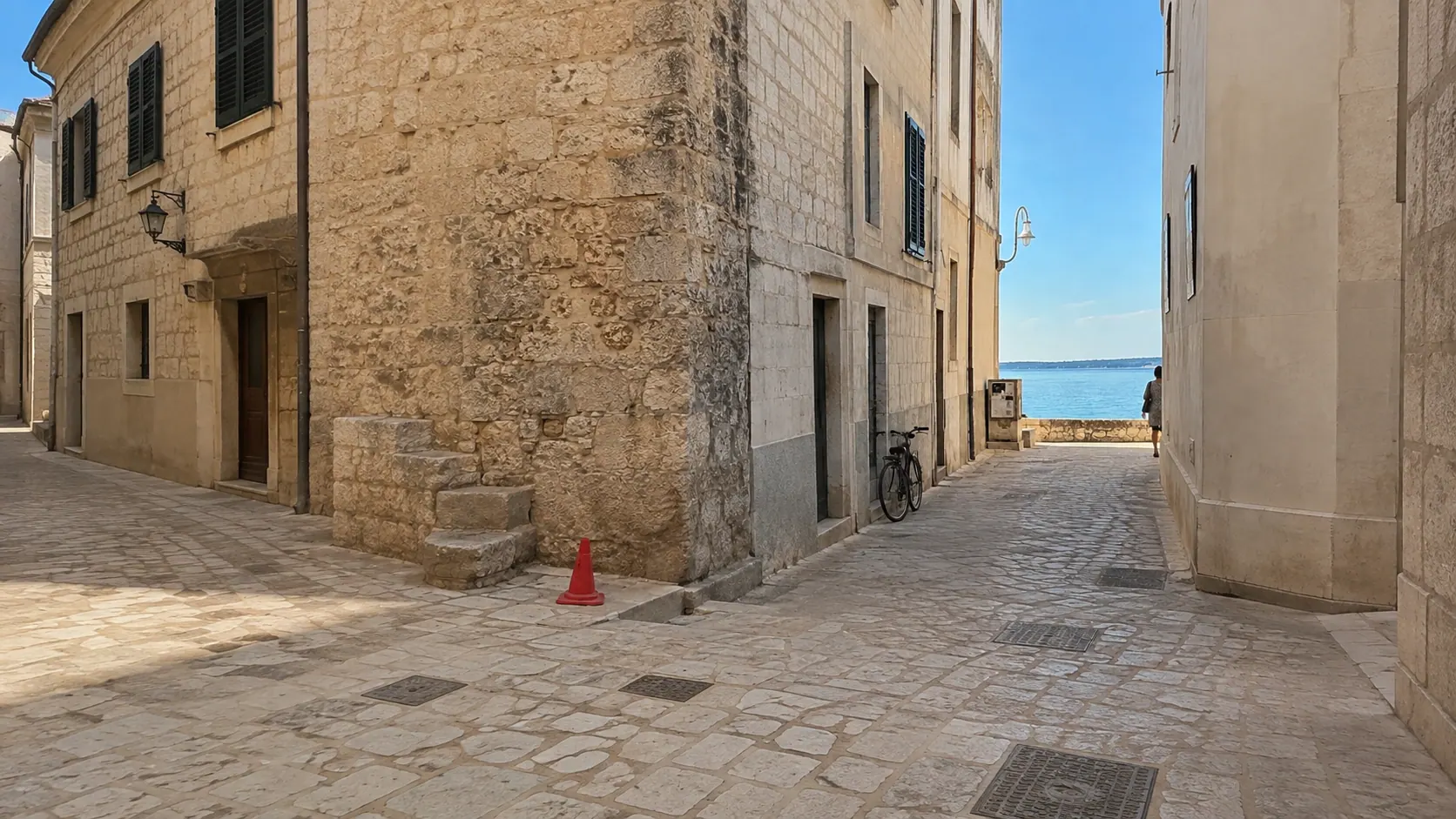 After
AfterHow it works
- 1Upload PNG, JPEG, or WebP images up to 24 MB each.
- 2Review the visible default prompt and edit it for your image.
- 3Generate, then download the result from the same workspace.
Best for, and limits to know
- Choose the target aspect ratio before generating when framing matters.
- The editor extends the scene; it cannot recover detail that was never visible in the source.
Keep editing
AI Image Expander FAQ
Continue when you need more edits.
Start with free Credits. Monthly and annual subscriptions or a one-time pack are available when you need more generations.
View pricing